

Draw Bridge: Simple Puzzle Fun for Casual Gamers
Overview
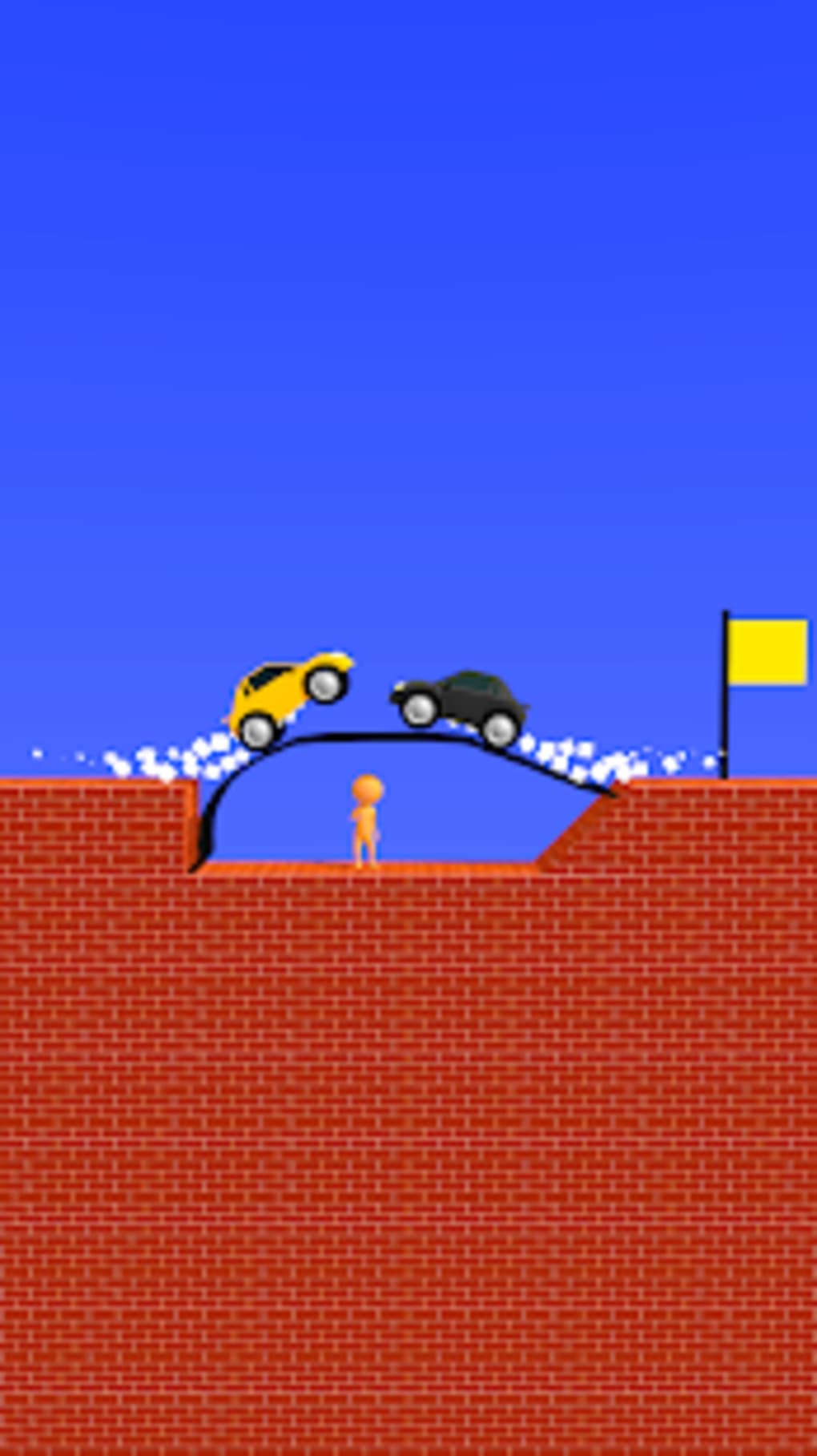
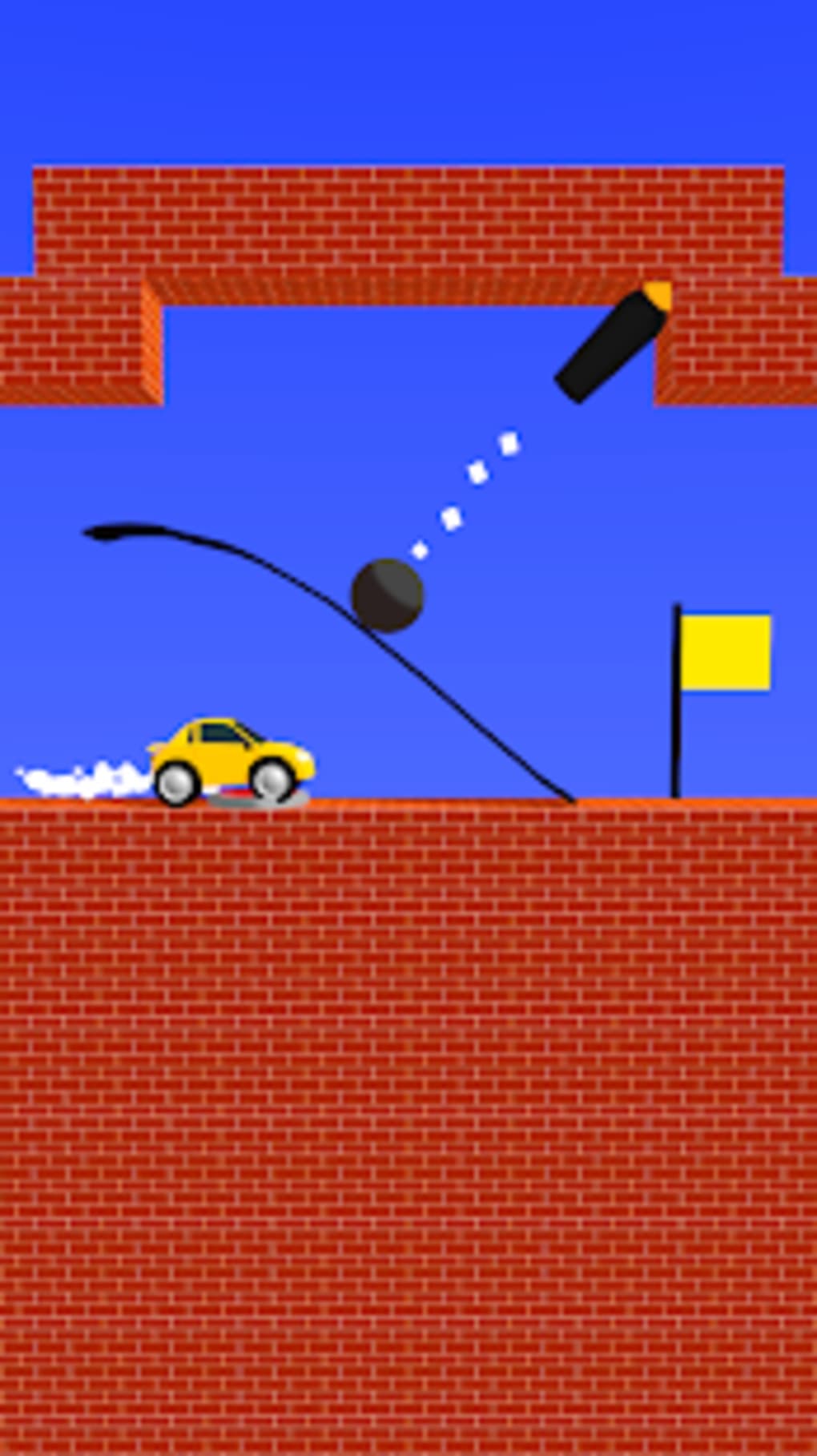
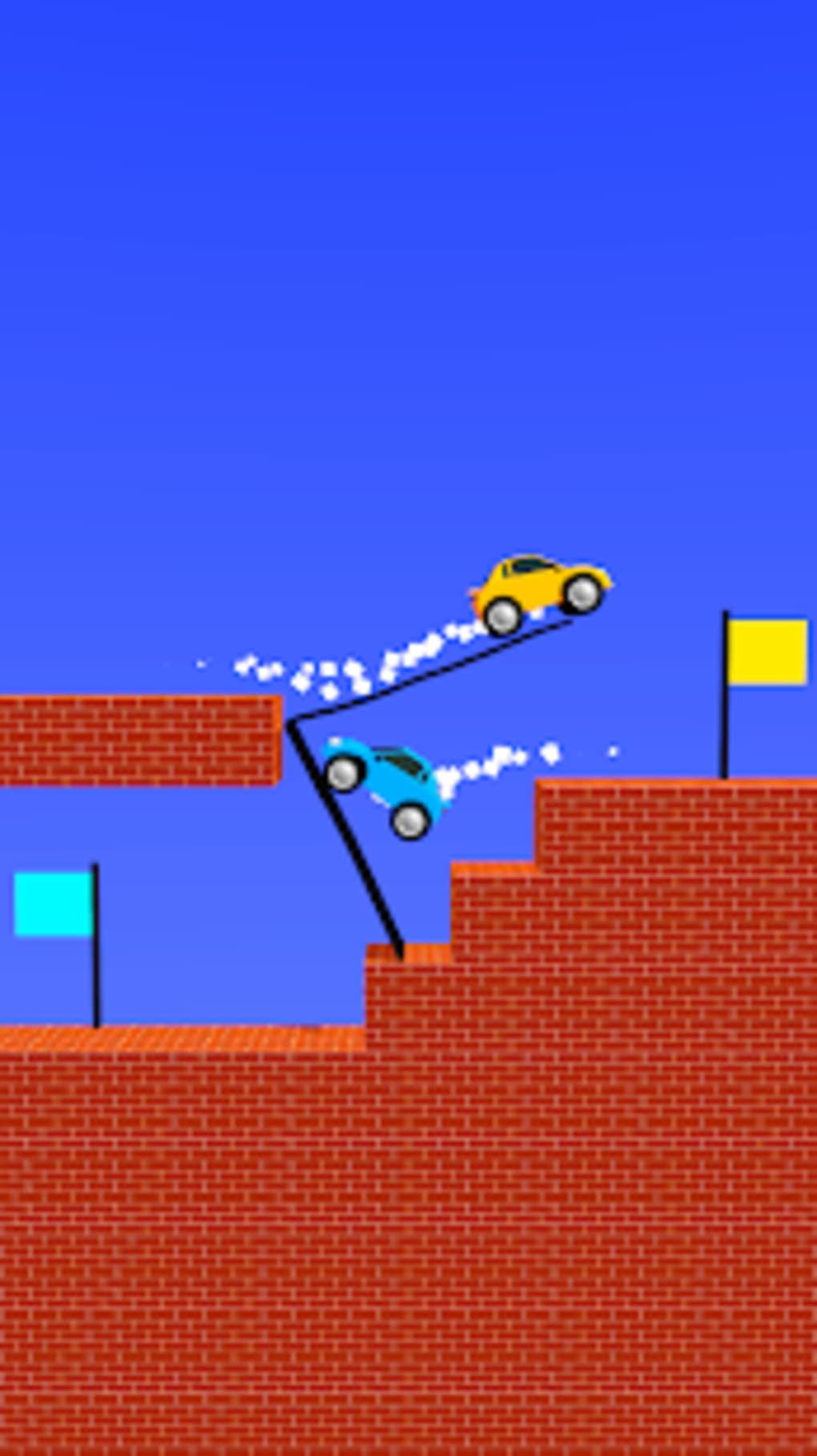
Draw Bridge is a free casual arcade puzzle game developed by Eureka Studio, designed for players seeking a straightforward yet engaging mobile experience. The game centers around guiding a car to a finish line across a series of obstacle-filled levels. Players must draw a bridge using their fingers to overcome gaps, uneven terrain, and other vehicles blocking the path. This simple mechanic—drag to draw, tap to move—makes the game accessible to a wide audience, including casual gamers and those looking for quick entertainment during short breaks.
Real-world use cases include passing time during commutes, relaxing after work, or enjoying a lighthearted challenge during downtime. The game’s repetitive core loop—drawing a bridge, testing its stability, and adjusting—offers a low barrier to entry, ideal for users seeking mindless fun without complex controls or steep learning curves. Despite its simplicity, the game presents increasing difficulty as players advance through levels, introducing more intricate layouts and unpredictable bridge behavior.
The developer did not provide additional system requirements. Performance observations are based on general software behavior patterns. While the game is free to download and play, it includes ads, which may affect the user experience. The app is available on both Android and iOS platforms, supporting mobile users across major ecosystems.
Key Features & Capabilities
- Bridge Drawing Mechanics: Players use a finger drag gesture to draw a path for the car, creating a thick black line that serves as a bridge. The line can be curved, angled, or shaped to span gaps and navigate obstacles.
- Simple Controls: The interface relies on two basic actions—tapping the car to initiate movement and dragging to draw the bridge. This minimal input method ensures accessibility for users of all ages and skill levels.
- Progressive Level Design: Early levels are straightforward, but difficulty escalates with more complex layouts, multiple obstacles, and tighter space constraints, challenging players to think strategically about bridge placement and stability.
- Real-Time Testing: Once the bridge is drawn, players can immediately test it by tapping the car. This instant feedback loop encourages iterative design and problem-solving.
- Free-to-Play Model: The game is available at no cost, making it widely accessible. However, this model is supported by in-app advertisements, including banner and video ads.
These features enable users to experiment with different bridge designs in real time, fostering creativity and spatial reasoning. For example, a player might draw a steep incline to cross a deep chasm, only to find the car stalling mid-way—prompting a redesign. The game’s mechanics encourage trial and error, making it ideal for short bursts of gameplay where users can learn through immediate consequences.
User Interface, Workflow & Performance
The user interface is minimalistic, focusing on a clean canvas where the car, finish line, and obstacles are clearly visible. Navigation is intuitive, relying entirely on touch input with no menus or settings to complicate the experience. The workflow follows a predictable pattern: draw bridge → tap car → observe result → adjust if needed. This consistency supports fast learning and efficient play sessions.
Performance details were not specified by the developer. General software behavior suggests that the game should run smoothly on modern smartphones, though the app is noted to be prone to crashing during gameplay. Users may experience instability, especially in later levels or when attempting complex bridge designs. The developer did not specify resource usage details, so CPU and RAM behavior remain unknown.
Bridge lines sometimes fail to register fully on screen, appear inconsistently, or shift during car traversal. These issues may contribute to the game’s instability and affect the player’s ability to complete levels. While the core mechanics are sound, technical inconsistencies can disrupt the flow and reduce enjoyment over time.
Compatibility & System Requirements
Draw Bridge is available on both Android and iOS operating systems. The software version is 1.0.5, with an installation size of 32.4 MB. This relatively small footprint makes it suitable for devices with limited storage space.
Exact system requirements were not listed by the developer. Compatibility information is limited to platform support. The game is designed for mobile touchscreens, so it does not support desktop environments. Users should ensure their device meets the baseline requirements of their respective OS to run the app smoothly.
Given the game’s lightweight nature, it is likely compatible with most smartphones released in the past five years. However, without official specifications, users are advised to test the app on their device before relying on it for consistent performance.
Pros and Cons
Pros
- Simple, intuitive controls ideal for casual players
- Free to download and play with no upfront cost
- Engaging puzzle mechanics that encourage creative problem-solving
- Low installation size, suitable for devices with limited storage
- Available on both Android and iOS platforms
Cons
- App is prone to crashing during gameplay
- Bridge drawing can be inconsistent or unstable
- High volume of ads, including intrusive video and banner ads
- Limited visual variety and repetitive gameplay over time
- No option to disable ads or upgrade to an ad-free version
FAQ Section
Is Draw Bridge available for PC?
Draw Bridge is designed for mobile devices and is currently only available on Android and iOS platforms. There is no official desktop version for Windows or Mac.
Is the game safe to download?
Yes, the game is published by Eureka Studio and available through official app stores. However, as a free app, it includes advertisements, which may redirect to third-party content. Users should ensure they download from trusted sources to avoid potential risks.
Does Draw Bridge require an internet connection?
While the game can be played offline after download, some features such as ads and potential updates may require an internet connection. The app does not appear to rely on constant online access for core gameplay.
Can I remove ads from Draw Bridge?
There is no in-app purchase or option to remove ads. The game follows a free-to-play model with ads as the primary monetization method. Users cannot disable advertisements within the app.
How often does Draw Bridge receive updates?
The latest version is 1.0.5, released on March 15, 2024. The developer has not provided information on update frequency. Users should check their app store for the latest version to ensure they have the most stable build.
Final Thoughts + CTA
Draw Bridge delivers a simple, satisfying puzzle experience with a unique bridge-building mechanic that stands out in the casual arcade genre. Its minimal interface and easy-to-learn controls make it perfect for players seeking quick, low-stress entertainment. However, the game’s potential is undermined by technical issues, including crashes, inconsistent drawing behavior, and an overwhelming number of ads.
While the core concept is fun and engaging, the repetitive nature of later levels and lack of long-term progression may lead to diminishing returns. The game is best suited for casual users who enjoy short, mindless challenges and don’t mind occasional interruptions. For those seeking a polished, stable experience, the current build may fall short.
Despite its flaws, Draw Bridge remains a viable option for mobile gamers looking for a free, easy-to-play puzzle game. Download Draw Bridge now and test the bridge-building fun for yourself.







